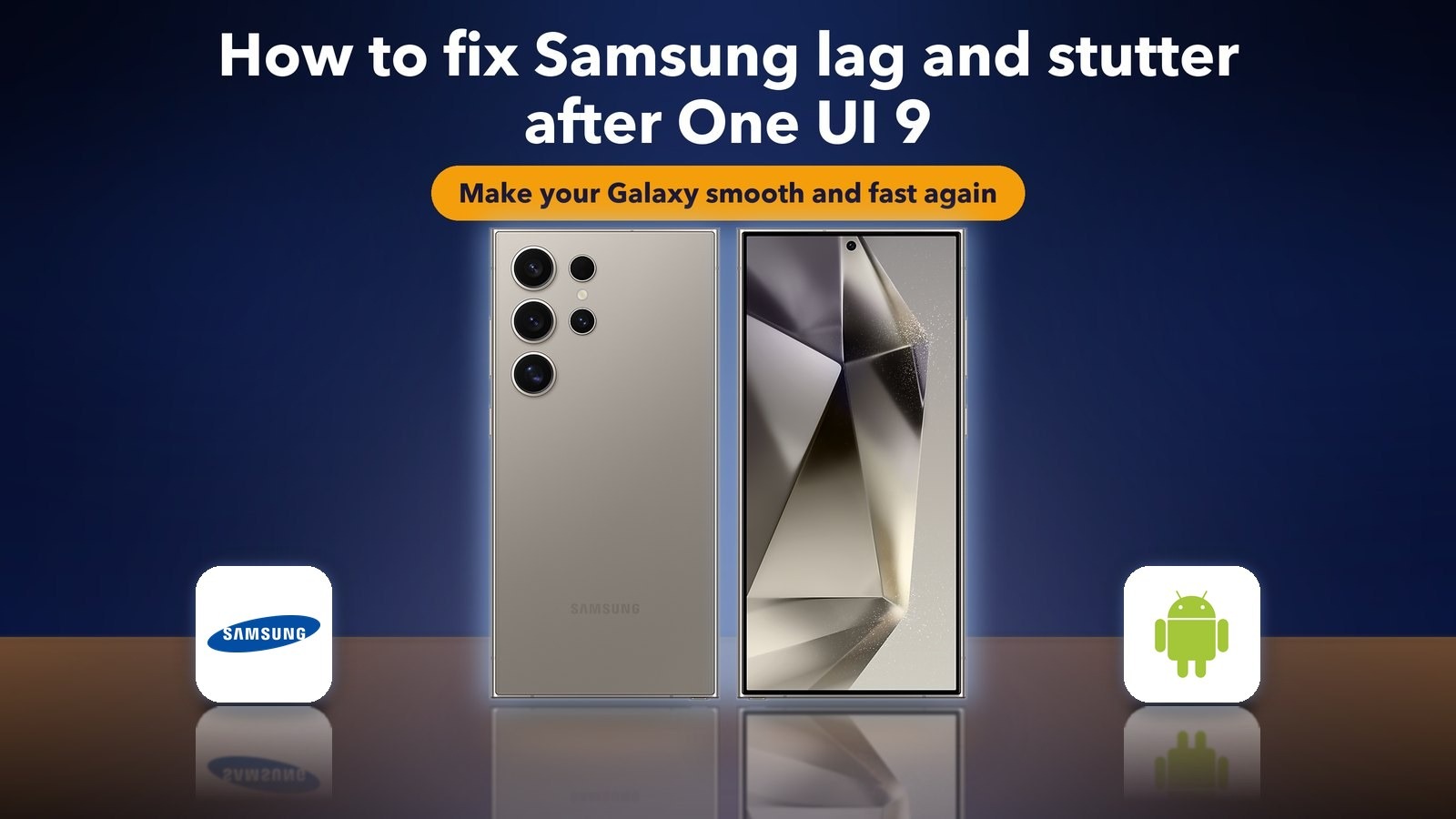
How to fix Samsung lag and stutter after One UI 9
Hello Folks,
We at Daily Techocracy are back with some juicy info for all you kind readers....lets get to it !!
Your Samsung Galaxy felt quick last month. Since the One UI 9 update, swipes stutter, apps take a second longer to open and the Recent apps screen drops frames. You're not imagining it. Over the last two weeks, Reddit threads about One UI 9 lag on the Galaxy S23 Ultra, S24 Ultra, Galaxy Tab and Galaxy A55 have drawn more than 160 comments. Here's what's going on and how to make your phone smooth again.
Quick answer: Give your Galaxy two or three days after the update, because One UI 9 keeps optimising apps in the background. Then update all your apps, restart the phone, and clear space if storage is nearly full. If it still stutters, wipe the cache partition in recovery mode, test in Safe mode to find a bad app, and speed up animations in Developer options. A factory reset is the last step, not the first.
What is One UI 9?
One UI 9 is Samsung's name for its version of Android 17. It's the big yearly software update for Galaxy phones and tablets. It came first to the Galaxy S26 series in September 2026, and Samsung has been rolling it out to older models such as the S24, S25, Z Fold 6 and Z Flip 6 since then.
Is One UI 9 making Galaxy phones lag?
For some owners, yes, but Samsung hasn't confirmed a lag bug. The reports come from owners on Reddit and the Samsung Members community, and they describe the same few problems.
- One Galaxy S24 Ultra owner on the Samsung Members forum described frame drops when swiping between home screens, opening the app drawer and pulling down Quick Settings. Apps also took 2 to 3 seconds longer to open.
- Another S24 owner said switching between apps sometimes took 3 to 10 seconds after the update.
- On Reddit, the busiest threads were about lag on an 8GB Galaxy S23 Ultra and about the One UI 9 experience on the S24 Ultra.
To keep it in proportion, most owners are fine. In Android Authority's reader poll, which had more than 1,300 votes, 35.1% said the update is "fine" and another 25.9% said they're "loving it". So, if your phone lags, the cause is usually something on your phone, like a heavy app, a full storage chip or leftover files from the old version.
Has Samsung released a fix?
Not one aimed at lag, as far as we can tell. Samsung's November 2026 security update is rolling out now, but none of the coverage we found lists a lag fix. Install it anyway, because it often includes small stability fixes.
Is some lag normal after a big update?
A little, for a short time. After a big update, your phone re-optimises every app and rebuilds its search index. That keeps the processor busy for a day or two.
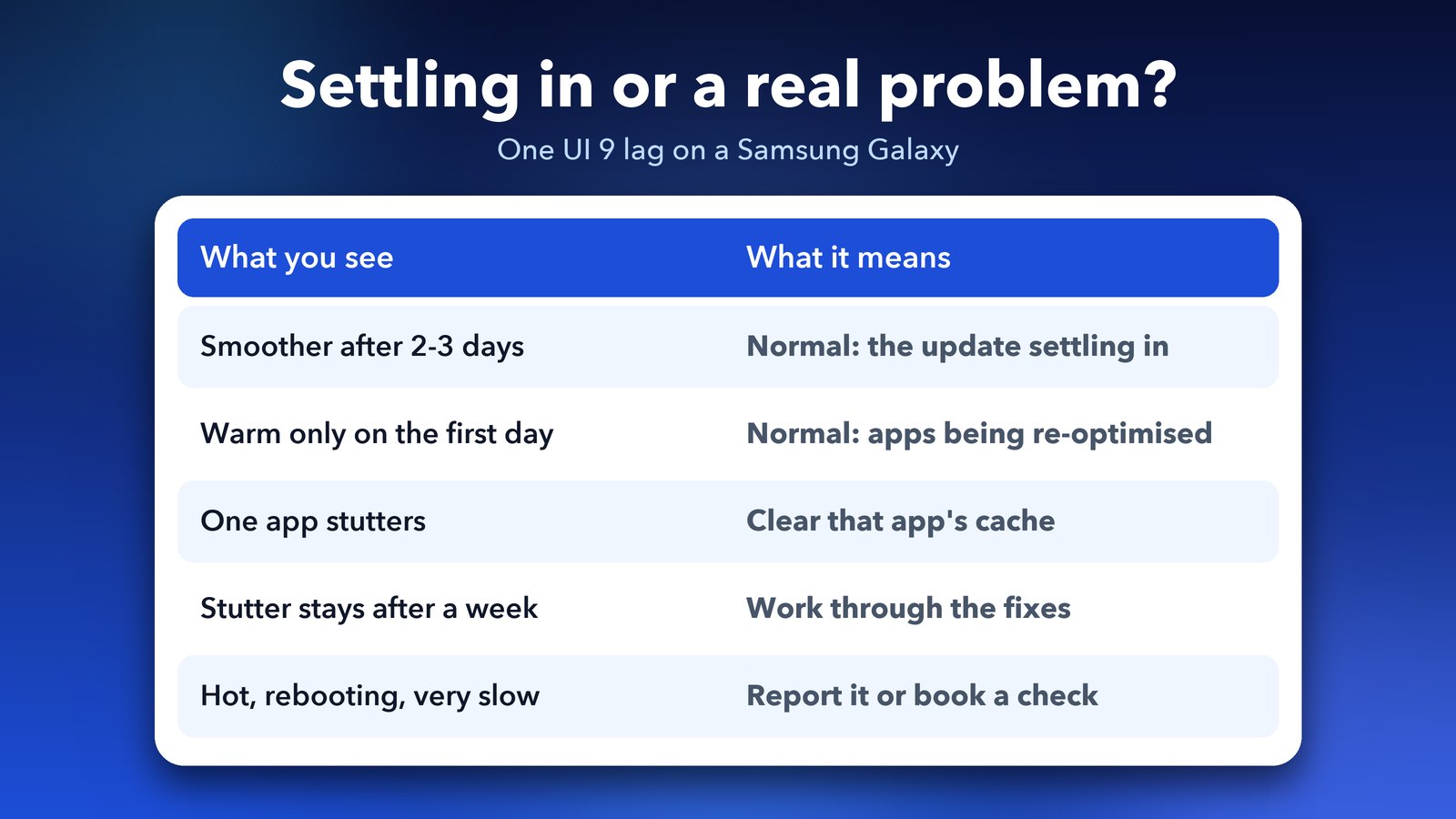
My simple rule: if the phone gets smoother after two or three days, it was the update settling in. If the stutter stays or gets worse, work through the steps below in order.
Step 1: Wait two or three days, then restart
Use your phone normally for a couple of days and charge it overnight. Then restart it: swipe down twice from the top, tap the power icon and choose Restart. A restart clears stuck background tasks.
Step 2: Install every update waiting for you
Open Settings > Software update and tap Download and install. Then update your apps in both the Galaxy Store and the Play Store. App makers often release updates after a big Android version comes out, and an old app that doesn't play well with One UI 9 can slow everything down.
Keep Samsung's own apps updated too, above all One UI Home (the home screen), because Recent apps lag is often tied to it.
Step 3: Free up storage space
Phones slow down when storage is nearly full. Open Settings > Device care > Storage to see how much space is left (on some models, Device care sits under Settings > Battery and device care). Try to keep at least 10% to 15% free.
Delete videos you've backed up and apps you don't use. Our guide on how to fix "Storage almost full" on Android walks through the best ways to free space.
Step 4: Clear the cache of the app that lags
If only one app stutters, clear its cache. A cache is a store of temporary files that an app keeps to load faster. After an update, these files can get out of date and slow the app down.
- Open Settings > Apps.
- Tap the app that lags.
- Tap Storage, then Clear cache.
This keeps your data. Don't tap Clear data, which signs you out.
Step 5: Wipe the cache partition
The cache partition holds temporary system files. Wiping it removes leftovers from the old version of the software. It doesn't delete your photos, apps or messages. On recent Galaxy phones, the phone has to be connected to a computer or a USB audio device with a cable to reach recovery mode.
- Turn the phone off.
- Connect it with a USB cable, then press and hold the Side button and the Volume up button together.
- When the recovery menu appears, use the volume buttons to select Wipe cache partition, and press the Side button to confirm.
- Select Yes, then choose Reboot system now.
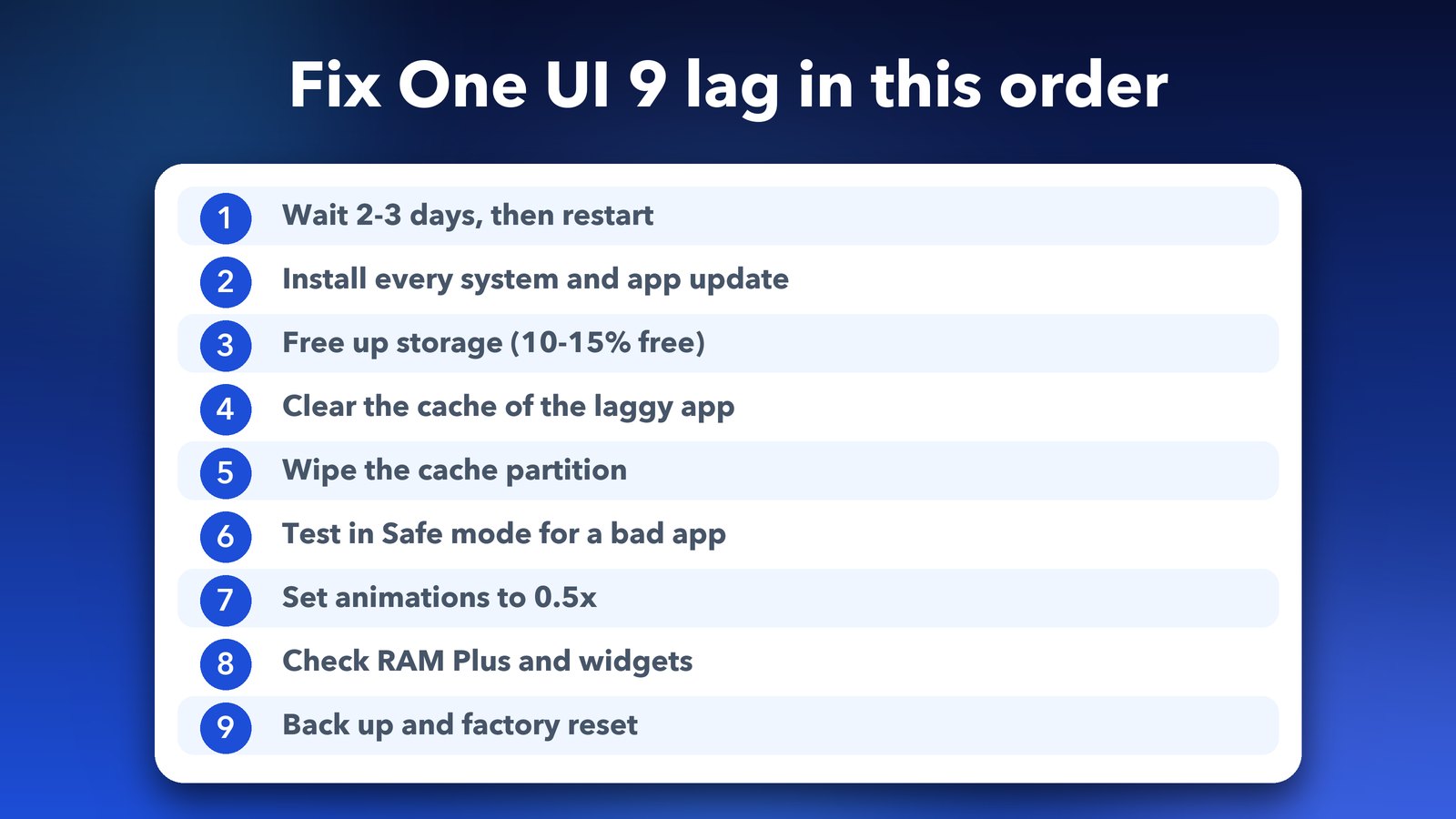
Step 6: Test in Safe mode to find a bad app
Safe mode starts your phone with only Samsung's own apps. If the lag disappears in Safe mode, an app you installed is the problem.
- Press and hold the Side button and the Volume down button to open the power menu.
- Touch and hold Power off until the Safe mode button appears, then tap it.
- Use the phone for a few minutes. "Safe mode" shows in the bottom corner of the screen.
- Restart the phone normally to leave Safe mode.
If the phone was smooth in Safe mode, uninstall your newest apps one at a time and test after each. Launchers, cleaners and battery "boosters" are the usual suspects.
Step 7: Speed up or turn off animations
This won't fix the cause, but it makes the phone feel much snappier, and several owners say it helps the most. You have two options.
The simple option is to turn on Reduce animations. You'll find it under Settings > Accessibility > Visibility enhancements (some guides call this menu Vision enhancements).
The other option gives you more control:
- Open Settings > About phone > Software information and tap Build number seven times. Enter your PIN if asked. This turns on Developer options.
- Go back to Settings and open Developer options, which now appears at the bottom of the list.
- Set Window animation scale, Transition animation scale and Animator duration scale to 0.5x. The default is 1x.
Leave every other Developer option alone.
Step 8: Check RAM Plus and the home screen
RAM Plus uses part of your storage as extra memory. Storage is slower than real memory, so on phones with 8GB of RAM or more, turning it off can help. Open Settings > Device care > Memory > RAM Plus and switch it off, then restart. The exact menu name can vary by model. If your phone feels worse afterwards, turn it back on.
Also remove widgets you don't use. If you use a third-party launcher, switch back to One UI Home for a day to test.
Step 9: Back up and factory reset as a last resort
If nothing above helps, a factory reset gives you a clean start on One UI 9. It erases everything, so back up first with Samsung Cloud, Google or Smart Switch on a computer. Then go to Settings > General management > Reset > Factory data reset.
Some owners on the Samsung forum said a reset didn't fully fix the stutter. If yours still lags after a reset, the problem is likely in the software, so report it.
How do I report One UI 9 lag to Samsung?
Open the Samsung Members app, tap Support and choose Error reports. Describe exactly what lags, for example "Recent apps drops frames the first time I open it", and include the system logs it offers. If the phone also overheats or reboots, book a check at a Samsung service centre.
Should you wait before installing One UI 9?
If your phone hasn't updated yet, waiting a week or two for the first follow-up update is reasonable. Don't wait for months, though, because the updates carry security patches. You can see what Samsung fixed recently in our roundup of the Samsung October 2026 security update.
If your battery is also draining faster since the update, see our guide on how to fix Samsung battery drain after One UI 9.
My honest take
One UI 9 isn't ruining every Galaxy phone. Most of the lag I've read about improves after a few days, a round of app updates and a cache wipe. The animation stutter some S24 and S25 owners describe is harder to shake, and Samsung should say whether it's working on it.
Image credits: Galaxy S24 Ultra product images by Samsung (samsung.com). Samsung logo and Android robot via Wikimedia Commons. Panels by Daily Techocracy.
Sources: Samsung Members community threads on One UI 9 stutter (Galaxy S24 Ultra, Galaxy S24, Galaxy S25); Reddit r/GalaxyS23Ultra, r/samsunggalaxy, r/GalaxyTab and r/GalaxyA55 (November 2026); Android Authority One UI 9 reader poll; coverage of the Samsung November 2026 security update.