How to free disk space after Ollama 0.40.2 upgrades models
Hello Folks,
We at Daily Techocracy are back with some juicy info for all you kind readers....lets get to it !!
Did your Mac or PC suddenly run low on storage after you updated Ollama? You may not have done anything wrong. Ollama 0.40.2, released on 8 October, quietly upgrades the models you already downloaded and keeps the old copy as a backup. For anyone with several big models, that can mean a lot of extra gigabytes. Here's what changed and how to get the space back.
Quick answer: Ollama 0.40.2 upgrades older models in the background the first time you run them and keeps the original as a backup. Version 0.40.3 paused these background upgrades. To free the space now, update Ollama, install jq and run the cleanup script from the 0.40.2 release notes. It only deletes backups, so your upgraded models keep working.
What did Ollama 0.40.2 change?
Ollama now converts models you downloaded with older versions the first time you run them. The release notes on GitHub say this gives better performance and better compatibility with llama.cpp, the engine that runs the models.
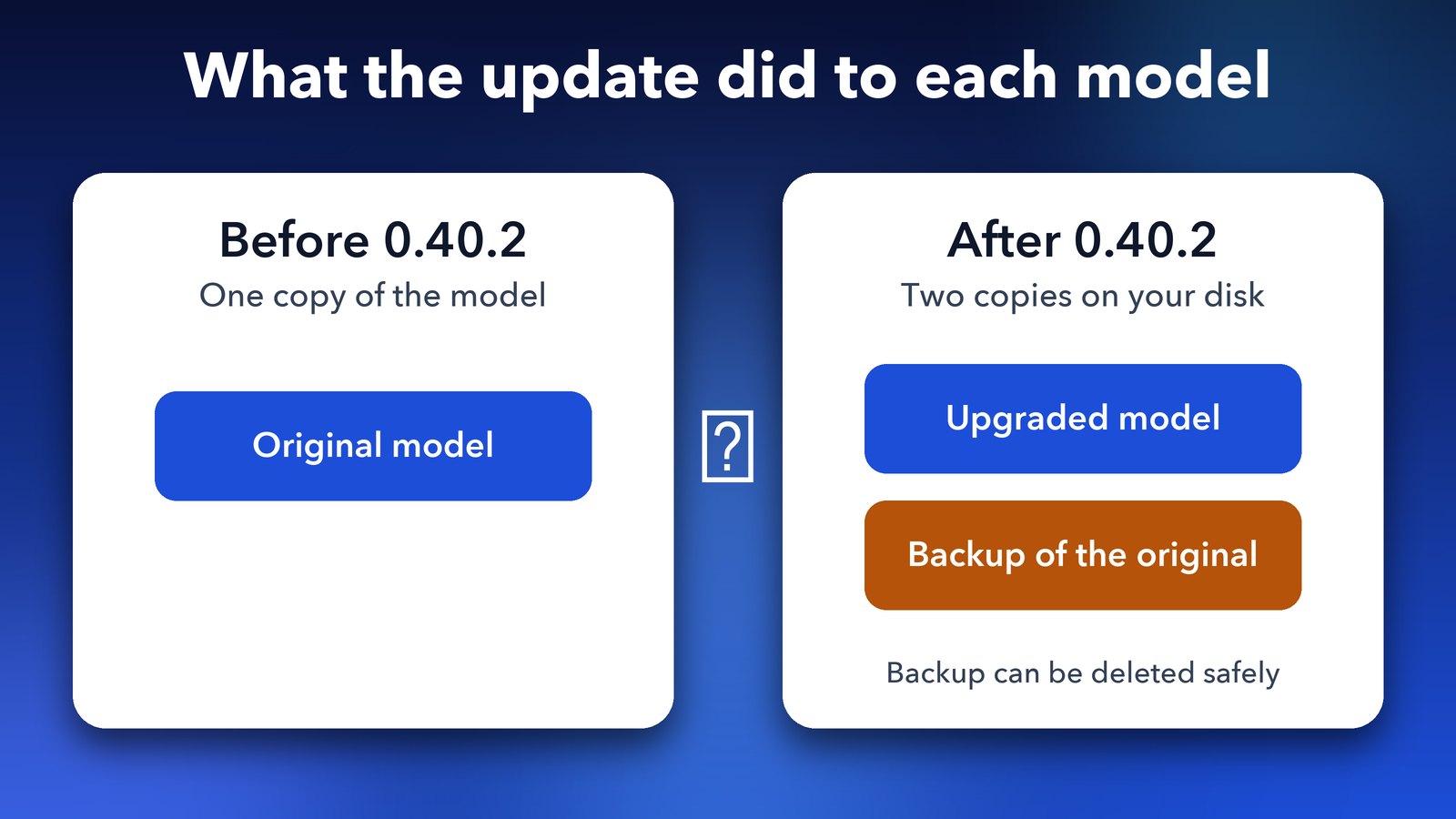
It happens by itself, in the background, so you may never notice it. The catch is that Ollama keeps the original copy so you can safely go back to an older version. Until those copies are removed, each upgraded model takes up space twice.
Why is Ollama using so much disk space?
Local AI models are big, often several gigabytes each, and this update can double that for every model you've run. If you keep a handful of them, the extra space adds up fast.
It matters most on a laptop with a small drive. One user opened an issue on the Ollama GitHub page on 9 October asking to turn the automatic upgrade off. They have little free SSD space and worried that an unexpected download could end in a "no space left on device" error. A maintainer replied that a change was coming in 0.40.3.
Does Ollama 0.40.3 fix it?
It stops the problem from growing. Ollama 0.40.3, released on 11 October, paused the background model upgrade. The release notes say this was done to help performance for embeddings and other requests.
That doesn't delete backups that already exist. The 0.40.2 notes say a future release will remove them automatically, but there's no date for that yet. Until then you can clear them yourself.
How to check how much space your models use
On a Mac or Linux, Ollama stores models in a folder inside your home folder. Open Terminal and run this to see the total size:
du -sh ~/.ollama/modelsWrite the number down. You'll compare it after the cleanup. On Windows, the models folder is under your user folder in .ollama\models. Because ollama list no longer shows duplicate entries for upgraded models, the folder size is the easiest way to see the real picture.
How to delete the Ollama model backups
The Ollama team published a short script in the 0.40.2 release notes that finds the backups and removes them with ollama rm. It needs a tool called jq, which reads the information Ollama returns about each model.
- Update Ollama. Install 0.40.3 or newer so no more upgrades start while you clean up. Run
ollama --versionto check. - Install jq. On a Mac with Homebrew, type
brew install jq. - Make sure Ollama is running. The script talks to Ollama on your own computer, at
localhost:11434. - Preview first. Paste the script below, but leave off the very end,
| xargs -n1 ollama rm. It will print the backup IDs it would remove and delete nothing. - Run the full script. Once the list looks sensible, add that ending back and run it.
Here is the script exactly as it appears in the release notes:
curl -s localhost:11434/api/tags | jq -r '.models[].name' | while read -r m; do
  curl -s localhost:11434/api/show -d "{\"model\":\"$m\"}" | jq -r \
    'select(any(.manifests[]?; .runner == "llamacpp")) | .manifests[] | select(.runner == "ggml") | .digest'
done | sort -u | xargs -n1 ollama rm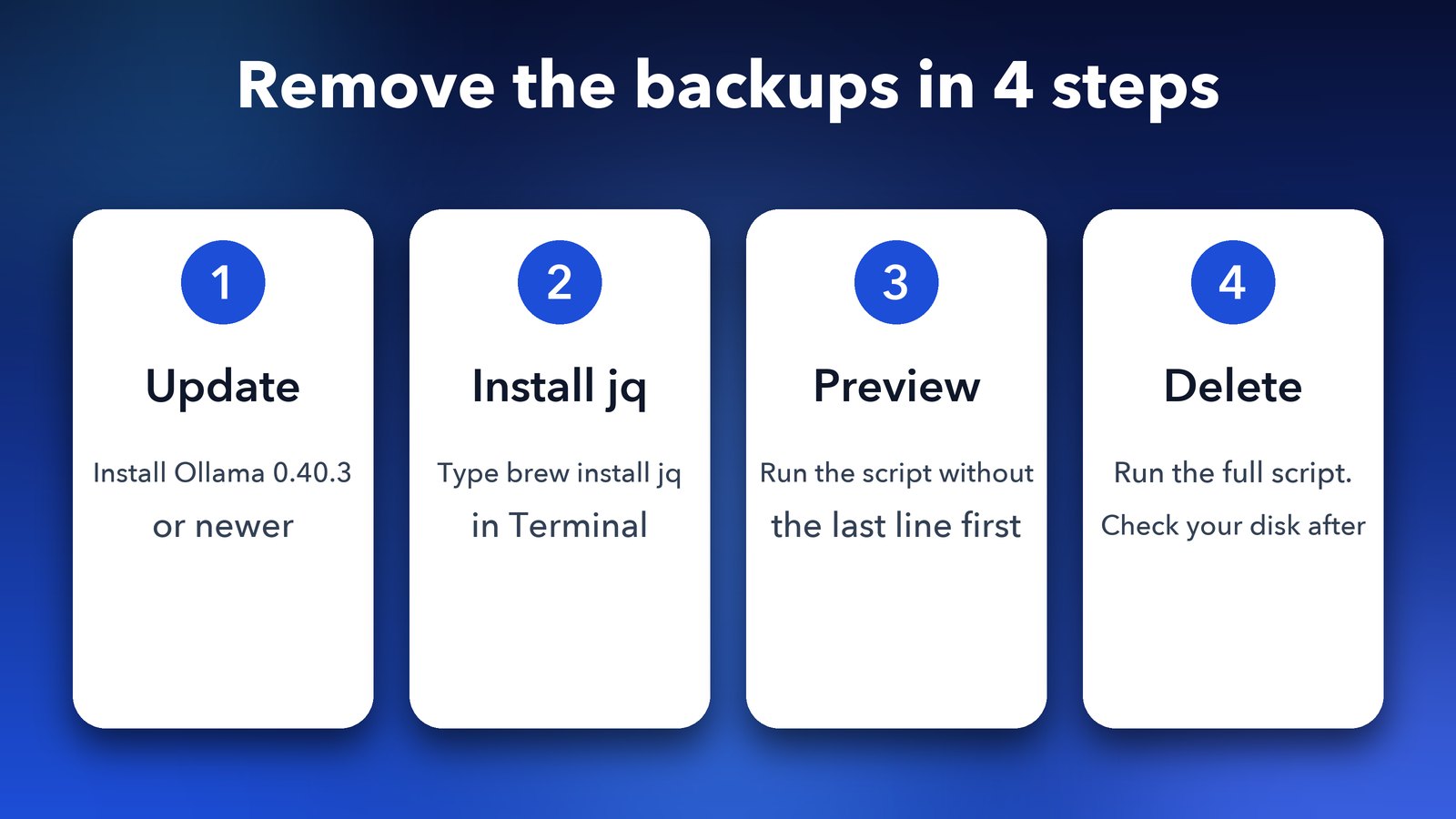
When it finishes, run the du command again and compare. The Ollama team says the script only deletes backups, so your upgraded models should still work. Run ollama run on one of your models to be sure.
What if you want to go back to an older Ollama?
Think twice before you delete if you might downgrade. The backups exist so that going back is safe. Without them, a version older than 0.40 will need you to download those models again. If you're happy staying on the latest Ollama, there's no reason to keep them.
Other ways to free up space
- Remove models you don't use. Run
ollama list, thenollama rmfollowed by the model name. - Keep fewer sizes of the same model. You rarely need the 8B and the 27B version of one model on a small drive.
- Move your models to an external drive. This is possible with Ollama's
OLLAMA_MODELSsetting, but I'd check Ollama's docs for your system before trying it.
Final thoughts
This is a classic "nobody told me" update. The upgrade is meant to help, but doubling your storage use without a warning isn't friendly, and I'm glad Ollama paused it quickly. If you run models on a Mac, you may also like our post on how Ollama 0.40 makes local AI models nearly 2x faster on Macs, and our guide to running GitHub Copilot CLI on local models with Ollama.
Image credits: featured image uses a photo of a Mac mini (M4, 2024) by Seasider53, Wikimedia Commons, CC BY 4.0, and the Ollama logo (MIT) via Wikimedia Commons. Other graphics by Daily Techocracy.